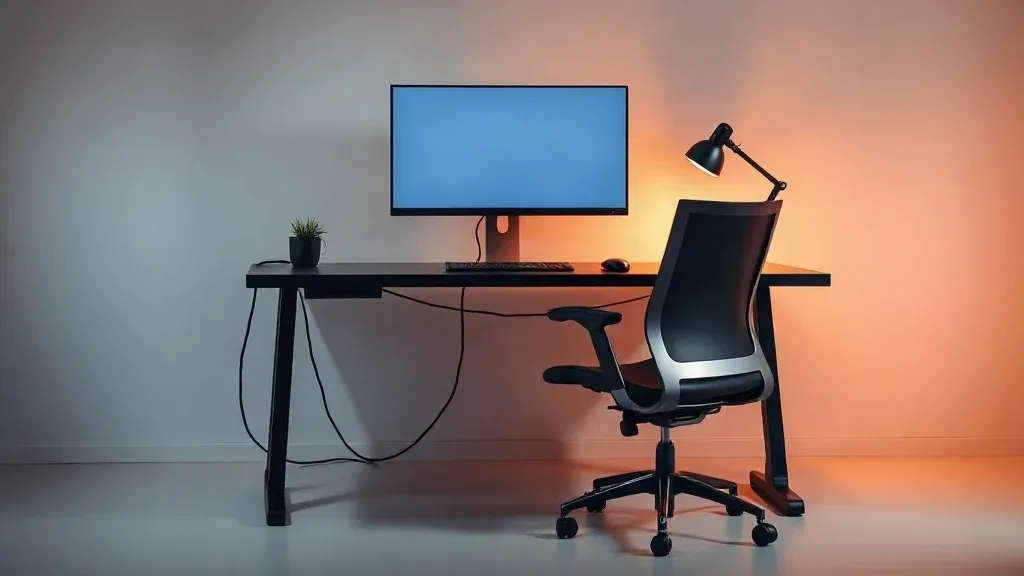
Spending most of your day at a desk without good support leads to sore necks, tight shoulders and lower back strain, and it hurts your focus too. A comfortable, clutter-free workstation is one of the cheapest ways to protect your health and your output. You do not need expensive gear to get it right. You need the correct heights and distances, a chair that supports you, and a few habits.
The short version: set your chair so your feet are flat and your elbows are bent at about 90 degrees, put your screen about an arm's length away with the top near eye level, keep your keyboard and mouse close, and break up long periods of sitting.
The basics of a healthy desk setup
Australian workplace safety guidance, including Safe Work Australia's workstation set-up infographic and WorkSafe WA's workstation ergonomics self-assessment, gives a consistent starting point:
- Feet flat, thighs roughly horizontal. Set the seat height so your feet rest on the floor. If the desk is too high and cannot be lowered, raise the chair and use a footrest.
- Elbows near 90 degrees, shoulders relaxed. The desk top should sit just below elbow height, so your arms rest naturally when you type.
- Screen about an arm's length away. The top of the screen should be around eye level, with your head level and chin parallel to the floor. If you use a laptop, raise it on a stand and use a separate keyboard and mouse.
- Keyboard and mouse close. Keep them close enough that your elbows stay near your sides, and your wrists stay straight.
- Lower back supported. Sit back in the chair and use its lumbar support, or add a small cushion or rolled towel if it has none.
These are starting points. Adjust them until you feel relaxed, and check them again after a week.
Choosing a chair
Look for these features:
- Adjustable seat height and depth, so it fits your legs.
- Adjustable lumbar support that fits the curve of your lower back.
- Adjustable armrests that let your shoulders stay relaxed.
- A seat that suits you. Sit in a chair for a few minutes before you buy if you can, or check the return policy.
Ergonomic chairs range from budget to premium, and a higher price does not guarantee a better fit for you. Our best gear guide covers what to look for.
Desk, monitor and laptop
- Desk height. An adjustable desk lets you alternate between sitting and standing. If yours is fixed, adjust the chair and add a footrest.
- Monitor. One monitor directly in front works well. If you use two, put the main one in front of you and the second at an angle.
- Laptop. Use a stand to raise the screen and an external keyboard and mouse. Using a laptop alone puts the screen too low and the keyboard too high.
- Lighting. Place the screen so windows do not cause glare, and use a desk lamp for paper work.
Move more, sit less
Even a perfect setup does not remove the risks of sitting for long periods. WorkSafe WA's self-assessment checklist advises designing work to limit long periods seated and making it easy to step away from the chair at regular intervals, and Comcare's advice is simple: stand up, sit less, move more.
- Change position often. Alternate between sitting and standing, and walk around when you take a call.
- Take short breaks away from the screen, and look at something far away to rest your eyes.
- Stretch gently when you stand up.
- Plan movement into your day, for example a walk at lunch.
If you have ongoing pain, numbness or tingling, see a doctor or physiotherapist. They can assess your setup and your body.
Keep it minimal
A tidy desk helps you focus and makes ergonomic adjustments easier.
- Clear the surface. Keep only what you use daily on the desk.
- Manage cables. Use clips, trays or ties so cables stay out of the way.
- Reduce noise. Soft furnishings and a rug cut echo on calls and recordings.
- Add one personal touch, such as a plant or a photo.
- Create a shutdown routine. Clear the desk at the end of the day so you begin fresh.
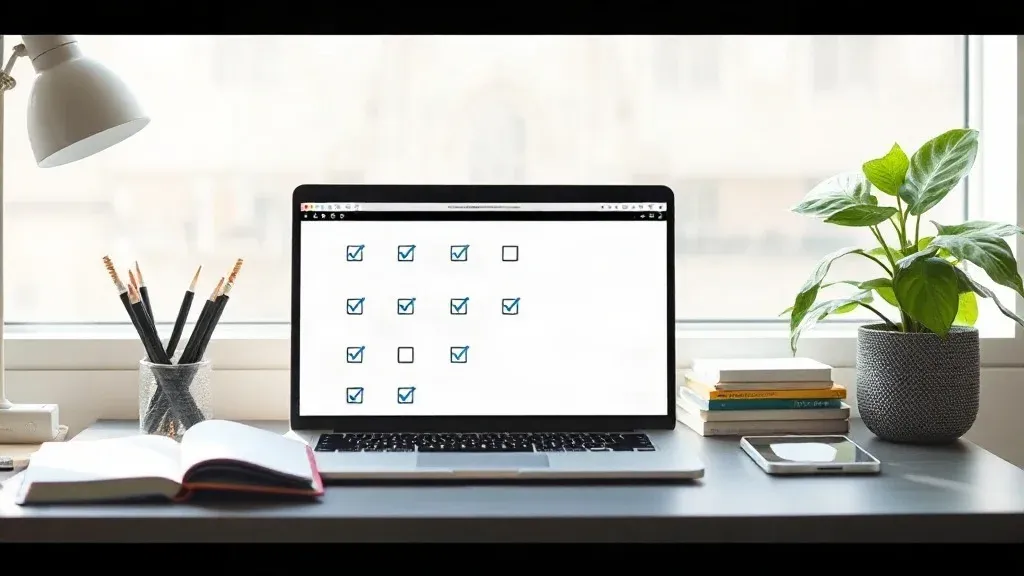
A simple setup checklist
- Chair height set so feet are flat.
- Elbows near 90 degrees at the keyboard.
- Screen an arm's length away, top near eye level.
- Laptop raised, with a separate keyboard and mouse.
- Lighting set to avoid glare.
- A reminder to move every half hour or so.
- A clear desk.
Add the rest of your home office
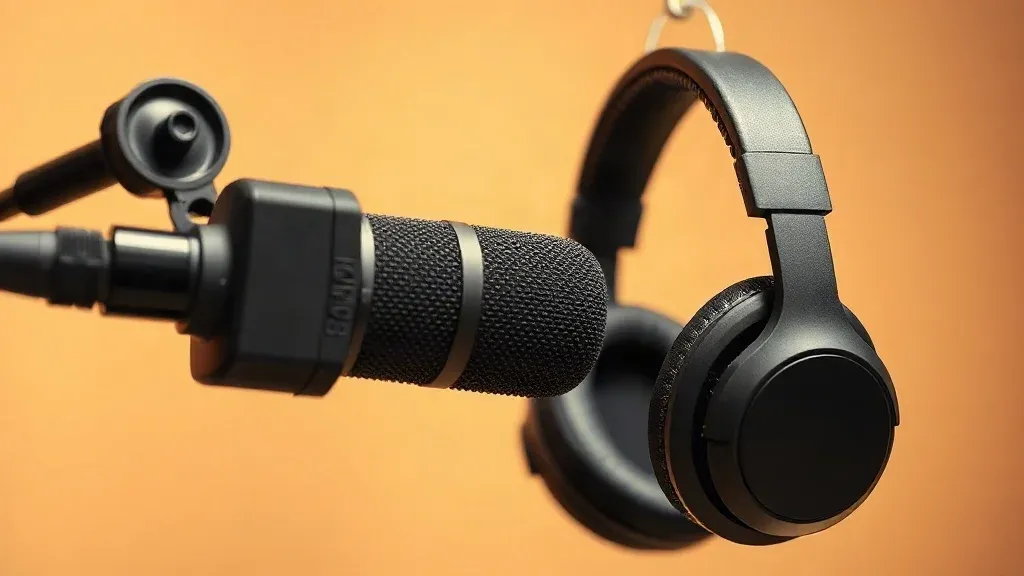
Once the basics are right, add a good microphone, camera and lighting for calls and content. See our best gear guide and the 4K video pipeline for recording tips.
Questions people ask
Do I need a standing desk?
Not necessarily. A fixed desk with a good chair and regular movement works. A standing desk adds variety in posture.
Where should my monitor be?
Directly in front, about an arm's length away, with the top of the screen near eye level. Check the current guidance linked above.
Are expensive chairs worth it?
A chair that fits you well and adjusts properly is worth the money. Try before you buy where possible.
How can I make a small space work?
Use a wall-mounted or compact desk, a laptop stand and a wireless keyboard, and keep cables tidy.