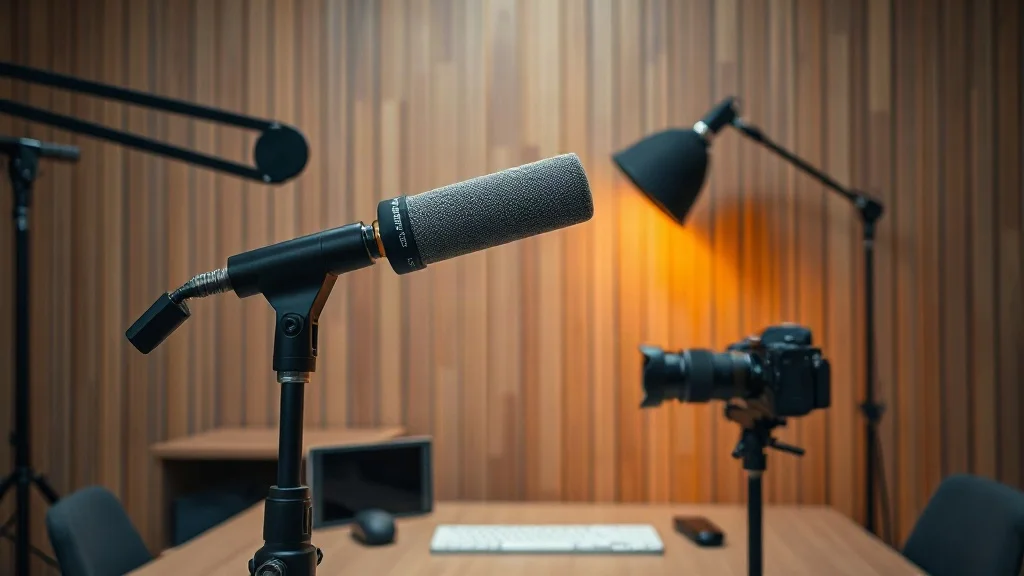
2026 Production Standard: This guide outlines a zero-headcount, broadcast-grade video podcast workflow designed for solo operators. You will learn how to capture uncompressed 4K video and lossless 48kHz audio locally, bypass cloud compression, and edit full episodes in under 45 minutes using text-based AI.
The Death of the Traditional Production Studio
In 2026, building a multi-million-dollar studio or hiring a three-person editing crew to produce a high-performing video podcast is obsolete. Solo operators, niche creators, and B2B founders are outranking legacy broadcast shows from modest 10x10 home offices. The secret is not more cameras or complex hardware switchers—it is friction elimination through modern software architecture.
When recording alone, every minute spent fiddling with SD cards, matching audio drift, or syncing multi-track files is wasted leverage. A world-class 1-person video podcast setup relies on three non-negotiable principles:
- Local Track Isolation: Never rely on platform compression like Zoom or Google Meet. Every speaker’s camera and microphone must record uncompressed directly to their local drive before cloud sync.
- One-Touch Initialization: Your entire studio—key lights, camera power, audio interface, and teleprompter—must be ready to record within 60 seconds.
- Text-Based AI Post-Production: No timeline scrubbing. You edit video transcripts like a Google Doc, apply automated room audio mastering, and auto-export 9:16 vertical shorts in batch.
The Core Audio Stack: Broadcast Tone Without Background Noise
Viewers will forgive average video quality, but they will immediately bounce from harsh, echoey, or compressed audio. In an untreated home office or apartment bedroom, dynamic broadcast microphones remain the undisputed gold standard.
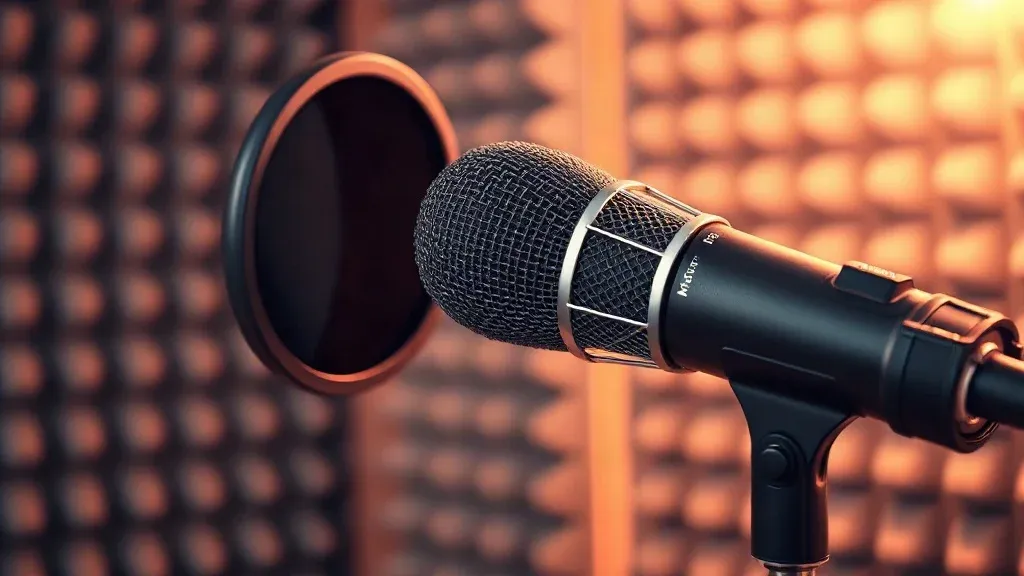
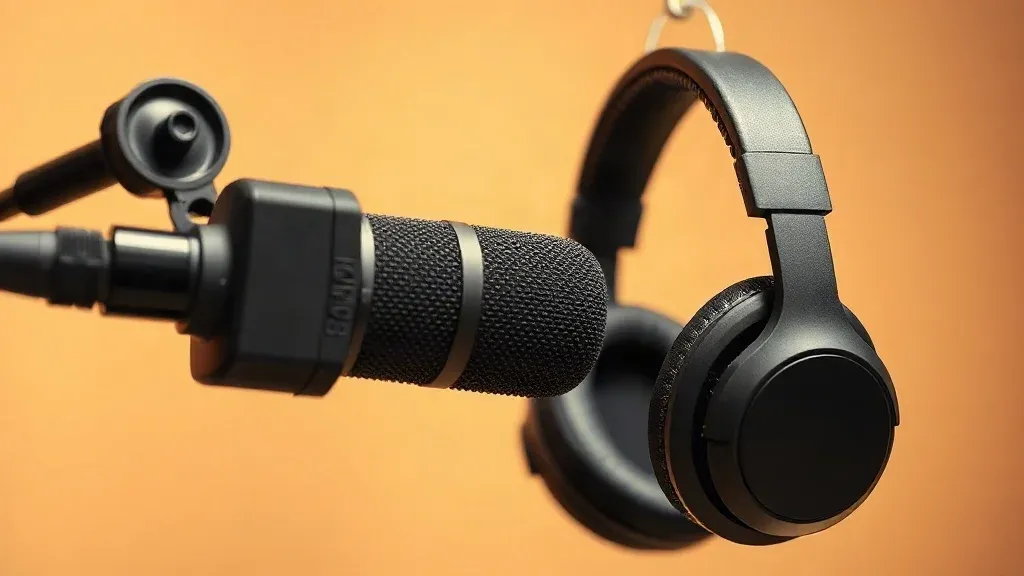
The centerpiece of our recommended hardware audio chain is the legendary Shure SM7B Dynamic Microphone. Unlike condenser microphones that pick up keyboard clicks, PC fan whirl, and street traffic outside your window, the SM7B features a tight cardioid polar pattern and internal air-suspension shock isolation that rejects off-axis ambient noise effortlessly.
Gain Staging Tip: The Shure SM7B requires clean gain (+60dB). Pair it with modern interfaces like the Focusrite Vocaster or Elgato Wave XLR which provide built-in +70dB preamps, or use an inline Cloudlifter CL-1 if pairing with older Scarlett 2i2 audio boxes.
For mounting, avoid bulky tripod arms that clutter your desk frame. We recommend low-profile boom arms (such as the Elgato Wave Mic Arm LP or Blue Compass) which tuck discreetly below your camera lens line, keeping your sightlines clean and open.
The Visual Chain: 4K Sensor Clarity, Zero Overheating
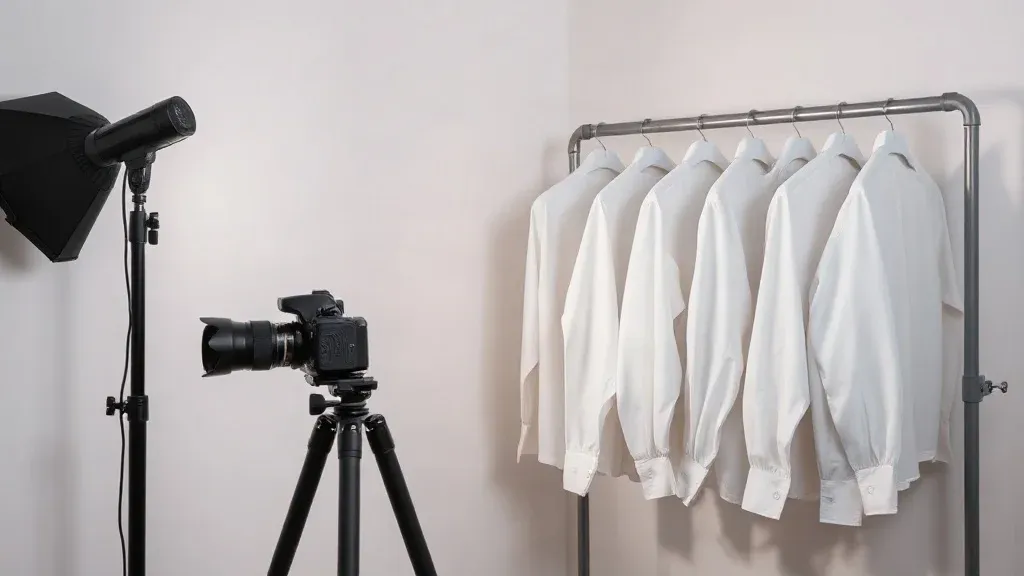
Webcams—even modern 4K models—suffer from tiny sensors, noisy low-light grain, and aggressive digital oversharpening. To command immediate authority and retain high viewer retention on YouTube, pair a dedicated mirrorless camera with an ultra-clean HDMI capture card.
- Camera Body: Sony ZV-E10 II or Sony FX30 with unlimited record limits, dedicated active heat dissipation, and USB-C dummy battery power.
- Optics: Sigma 16mm f/1.4 DC DN Contemporary lens. At f/1.8 to f/2.0, this provides sharp facial clarity with creamy, cinematic depth of field that separates you naturally from your backdrop.
- Capture Card: Elgato Cam Link 4K delivering uncompressed 3840x2160 video at 24fps or 30fps with near-zero latency.
- Continuous Power: Never rely on camera batteries during live recordings. Use an AC dummy battery adapter to ensure uninterrupted power all day.
The Recording Platform: Riverside.fm Local 4K Capture
The single biggest mistake new podcasters make is recording remote guest interviews over Zoom, Teams, or Skype. These conference tools aggressively compress video resolution down to 720p with muddy 64kbps audio, and introduce catastrophic dropouts whenever internet bandwidth dips.
The modern standard for solo operators is Riverside.fm. Riverside records uncompressed 4K video and lossless 48kHz WAV audio locally on each participant’s computer, completely independent of internet connection speed. While you speak, it continuously uploads the pristine local files to the cloud in the background.
Key solo advantages of Riverside.fm:
- Zero Audio Drift: Separate audio and video stems for each host and guest, perfectly locked in sync.
- Live Teleprompter & Producer Notes: Keep your episode outline and guest questions in your eye line without switching desktop tabs.
- Magic Clips Engine: Built-in AI automatically detects viral moments, crops them to 9:16 vertical ratio, and generates animated captions while you take a coffee break.
You can read our comprehensive review and compare tier pricing in our dedicated Riverside.fm Software Profile, or explore active discounts on our SoloStack Deals & Coupons Hub.
The Zero-Friction Editing Pipeline: Descript AI
Once your episode is captured in Riverside, traditional video editing involves opening Premiere Pro or DaVinci Resolve, creating multi-cam sequences, manually listening for "ums" and "ahs", and chopping silence. For a 60-minute interview, this easily devours 4 to 6 hours of solo operator time.
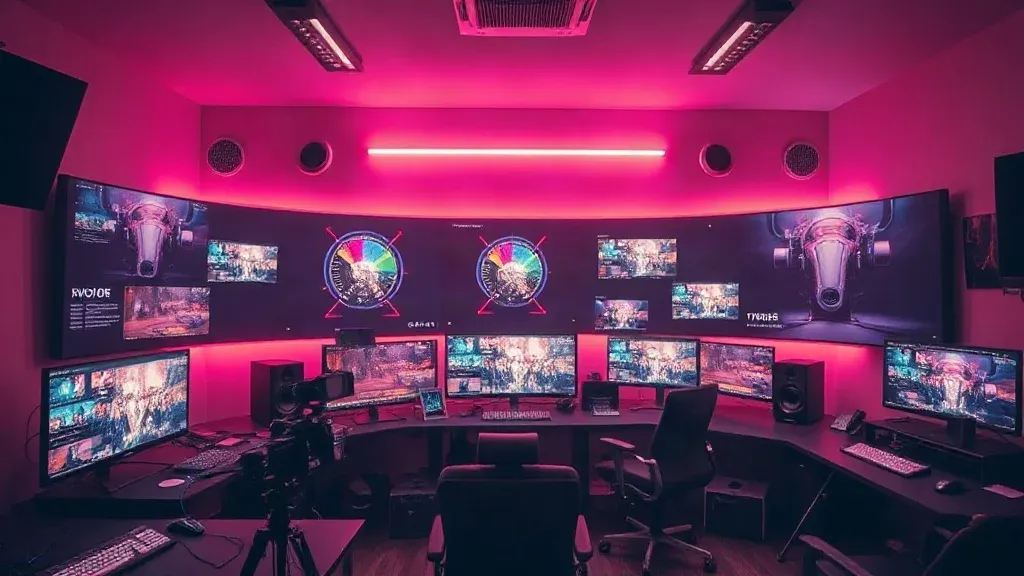
Enter Descript—the ultimate AI-powered text-based video editor. Descript transcribes your audio and video in seconds, turning your entire timeline into an editable document.
- Edit by Deleting Text: Cut out a rambling guest paragraph or false start by simply highlighting the words and pressing Backspace. The video cuts seamlessly.
- One-Click Filler Word Removal: Automatically identify and remove every "um", "uh", "you know", and repeated word across all speakers with a single confirmation click.
- Studio Sound AI: Transform imperfect room acoustics into a professional soundproofed broadcast booth. Studio Sound removes HVAC hum, room reflections, and background noise while synthesizing crystal-clear vocal harmonics.
- Eye Contact Correction: Glancing at your script or notes? Descript’s AI subtly adjusts your gaze to maintain authentic eye contact with the camera lens.
For an in-depth breakdown of text-based video editing workflows, check our Descript In-Depth Review & Alternatives Guide.
Hardware & Software Budget Matrix
Here is the exact cost and spec breakdown across budget-conscious and pro-tier setups:
- Audio: Shure SM7B ($399) + Focusrite Vocaster One ($99) + Wave LP Boom Arm ($99) = $597
- Video: Sony ZV-E10 II ($998) + Sigma 16mm f/1.4 ($399) + Elgato Cam Link 4K ($119) = $1,516
- Lighting: Neewer 660 LED Bi-Color Key Panel ($89) + Softbox Diffuser ($29) = $118
- Software Suite: Riverside.fm Standard ($15/mo) + Descript Creator ($12/mo) = $27/mo
- Total One-Time Hardware: $2,231 | Recurring Software: $27/mo
Want to see how this integrates with ergonomic sit-stand desks and dual-monitor creator workstations? Check out our complete 1-Person YouTube Studio Blueprint.
Frequently Asked Questions (FAQ)
Can I record a video podcast with just an iPhone?
Yes. Modern iPhones (iPhone 15 Pro and newer) feature 4K ProRes capture and can serve as dedicated webcams via macOS Continuity Camera or Camo Studio. However, pair it with an external USB microphone like the Shure MV7+ or Rode PodMic USB—built-in phone mics will still sound echoey.
Why not use Zoom to record remote interviews?
Zoom compresses video resolution dynamically to prioritize real-time bandwidth stability, often downgrading your recording to 720p or 540p. It also applies aggressive audio noise gates that clip your words. Riverside.fm records uncompressed 4K and lossless WAV locally on each participant’s computer, producing broadcast-quality output every time.
Do I need a Cloudlifter for the Shure SM7B in 2026?
Only if your audio interface delivers less than +60dB of clean analog gain. If you use a modern interface like the Focusrite Vocaster, Rodecaster Pro II, or Elgato Wave XLR (which deliver up to +70dB of clean gain), a Cloudlifter is completely unnecessary.
How much time does this setup save per episode?
By eliminating manual SD card transfers, using Riverside for background cloud syncing, and using Descript for one-click filler word removal and transcript editing, solo creators report cutting post-production turnaround from 5+ hours down to under 45 minutes per weekly episode.
Ready to Build Your Stack?: Explore the full hardware setup and software discounts available across our verified partner networks to scale your solo media operations today.